
01 Prework
Public model APIs came before the product.
Before building ProductBackground, I published and iterated on image-generation, image-to-image, enhancement, and upscaling models through Replicate. That work made model packaging, input and output contracts, runtime constraints, and remote inference tangible—and became technical prework for the more controlled end-to-end product.
02 Problem
Approve the world before placing the product.
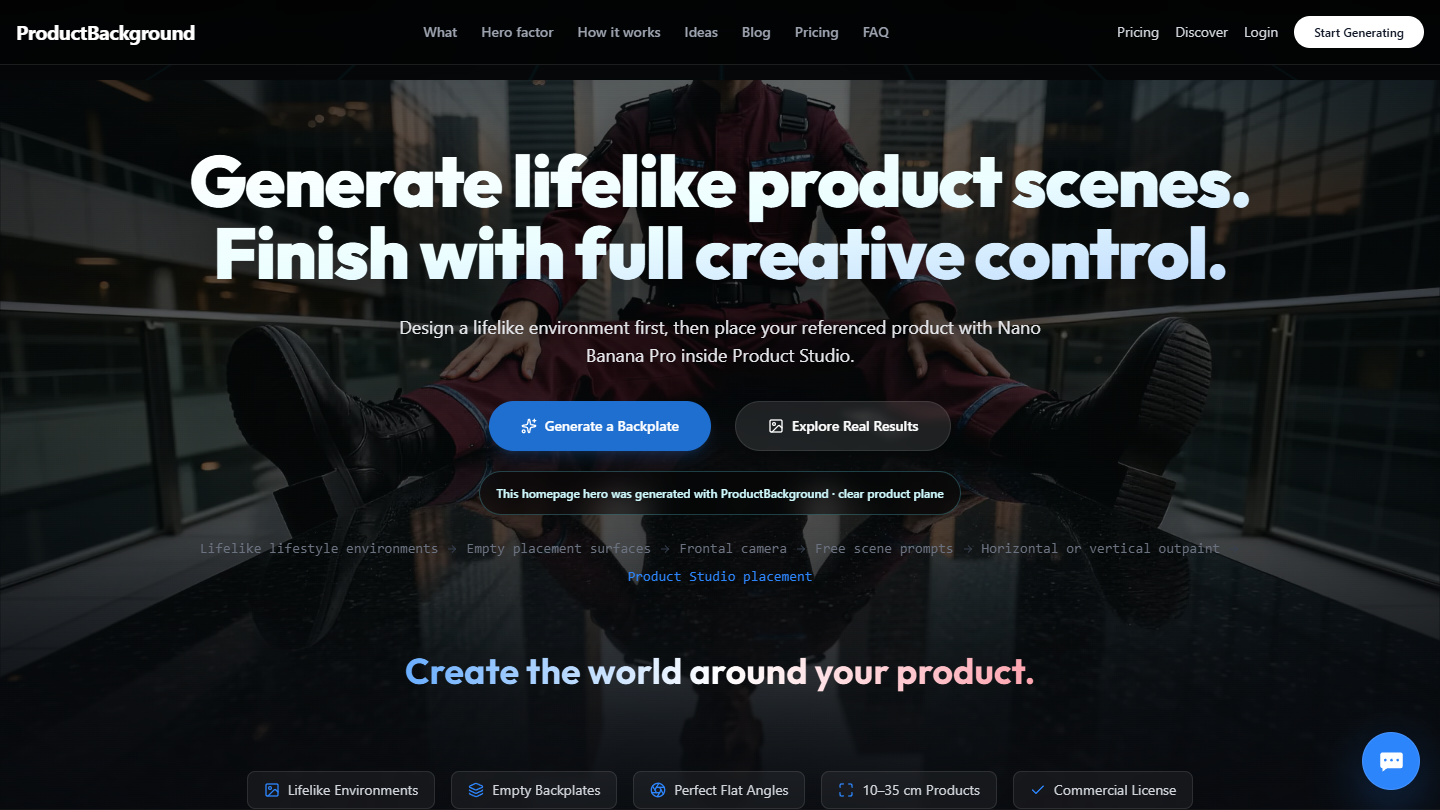
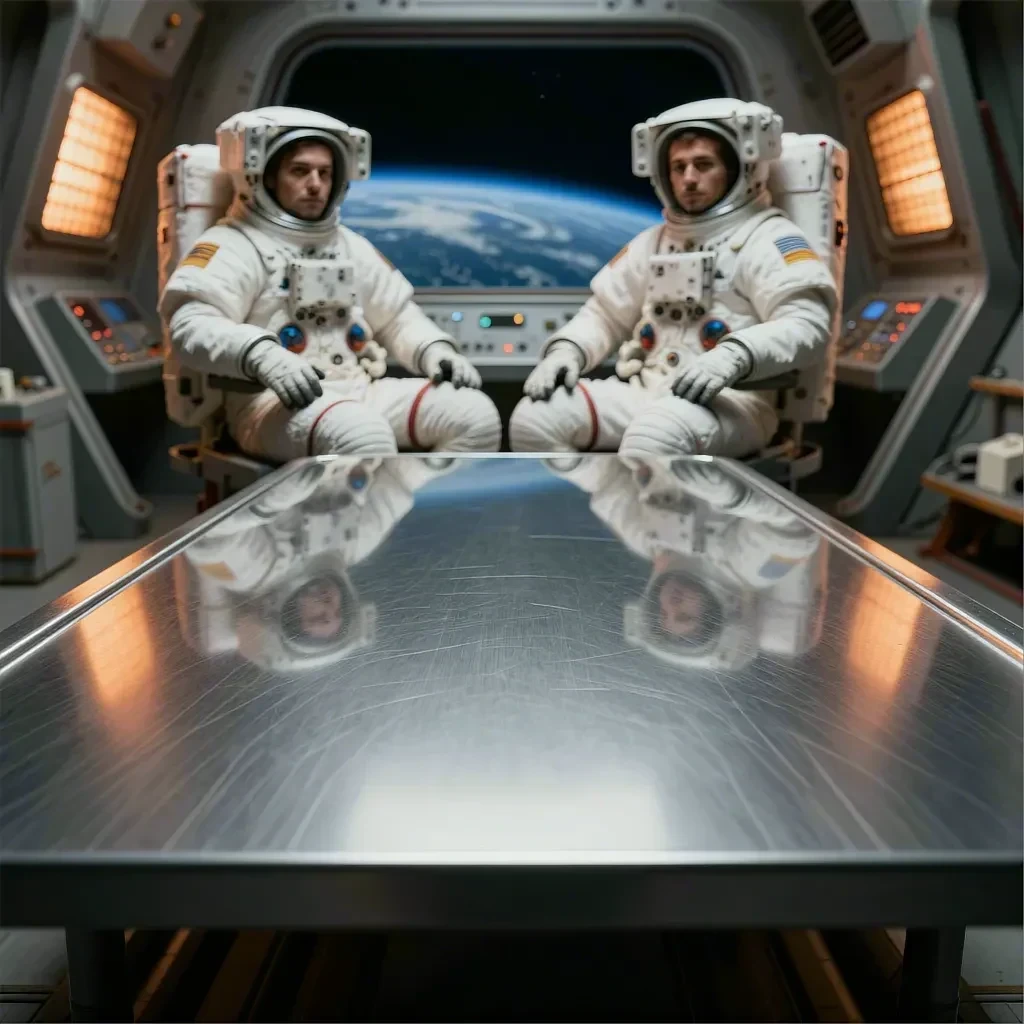
Scene direction and product placement need separate decisions. ProductBackground first generates the atmosphere, architecture, materials, lighting, people, wildlife, food, and props around an empty foreground. The user can approve that environment before introducing a product reference in Product Studio.
The clear surface and frontal perspective create a placement area for products roughly 10–35 cm tall. Product Studio adds AI-assisted composition inside the app, while PNG export keeps manual placement and detailed retouching available in Photoshop or another editor.
03 System
From scene direction to a reviewed product image.
Guided generation and free scene prompts cover seven building blocks: character, animals, food, objects, surface, lighting, and location. Users generate a backplate, place a product reference in Product Studio, review the result, and apply outpainting or upscaling when the delivery format needs it. PNG export carries the selected image into final retouching.
- 01Two stages, separate approvalsApprove the environment first, then direct product placement using a reference, real-world size, and art-direction notes.
- 02Format is part of the workflowHorizontal and vertical outpainting add room for ecommerce, website heroes, campaigns, and mobile layouts around the selected composition.
- 03Review before deliveryCheck product fidelity before further enhancement. Upscaling up to 96MP and PNG export support detailed finishing in professional editing tools.
04 Product Studio
The product now enters the workflow inside the app.
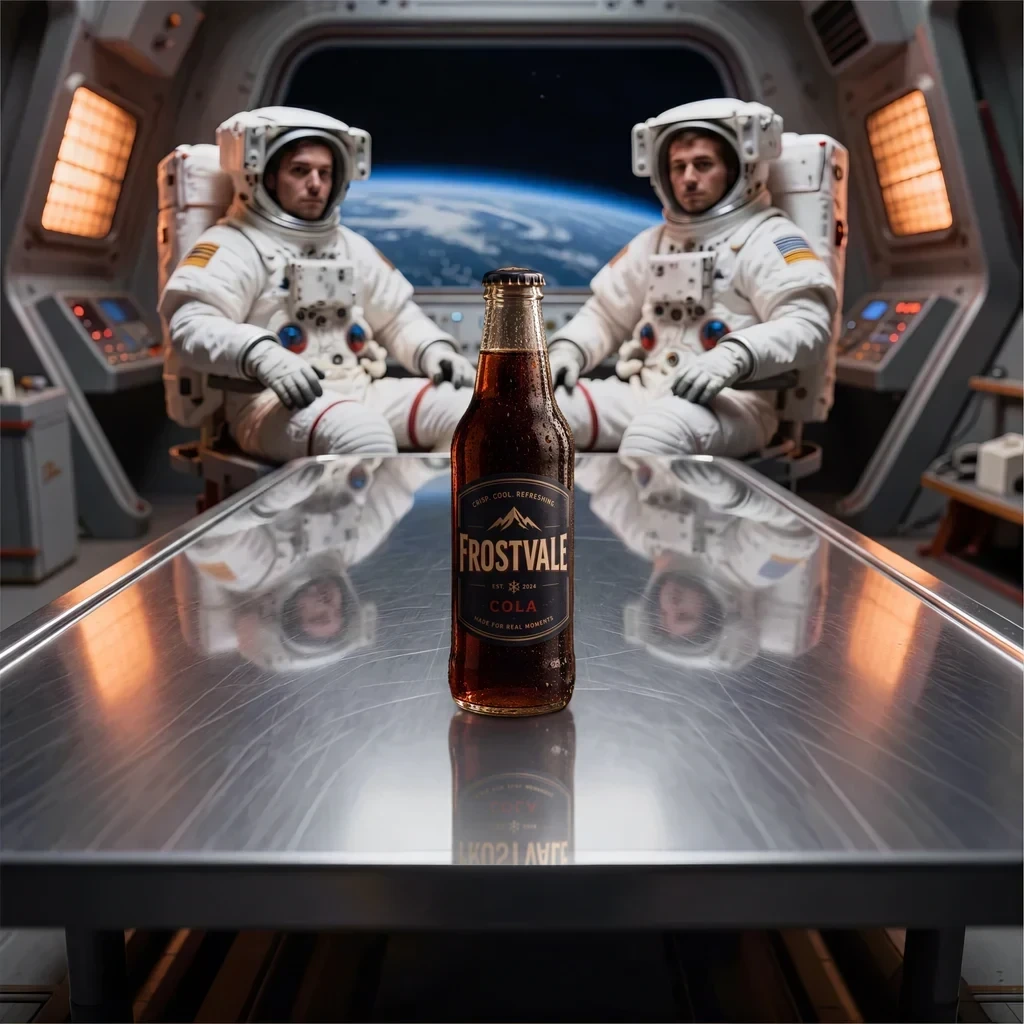
Product Studio accepts one required product reference and an optional second view of the same product. Real-world dimensions and placement notes guide Nano Banana Pro as it composes the product into the chosen backplate, including scale, perspective, lighting, contact shadows, and reflections.
The original scene and the placed result remain distinct review steps. The workflow aims to preserve product identity, but users still need to inspect labels, logos, geometry, colours, materials, and invented details before publication.
05 Role
End-to-end ownership across product, interface, code, and AI workflows.
I shaped the product logic, designed the interface, built the full-stack application, developed and integrated ComfyUI pipelines, connected storage and compute infrastructure, and worked through the operational edge cases of a real service. The project is the clearest expression of how I connect disciplines around one user outcome.
06 Evidence
Empty scene. Placed product. Wider composition.
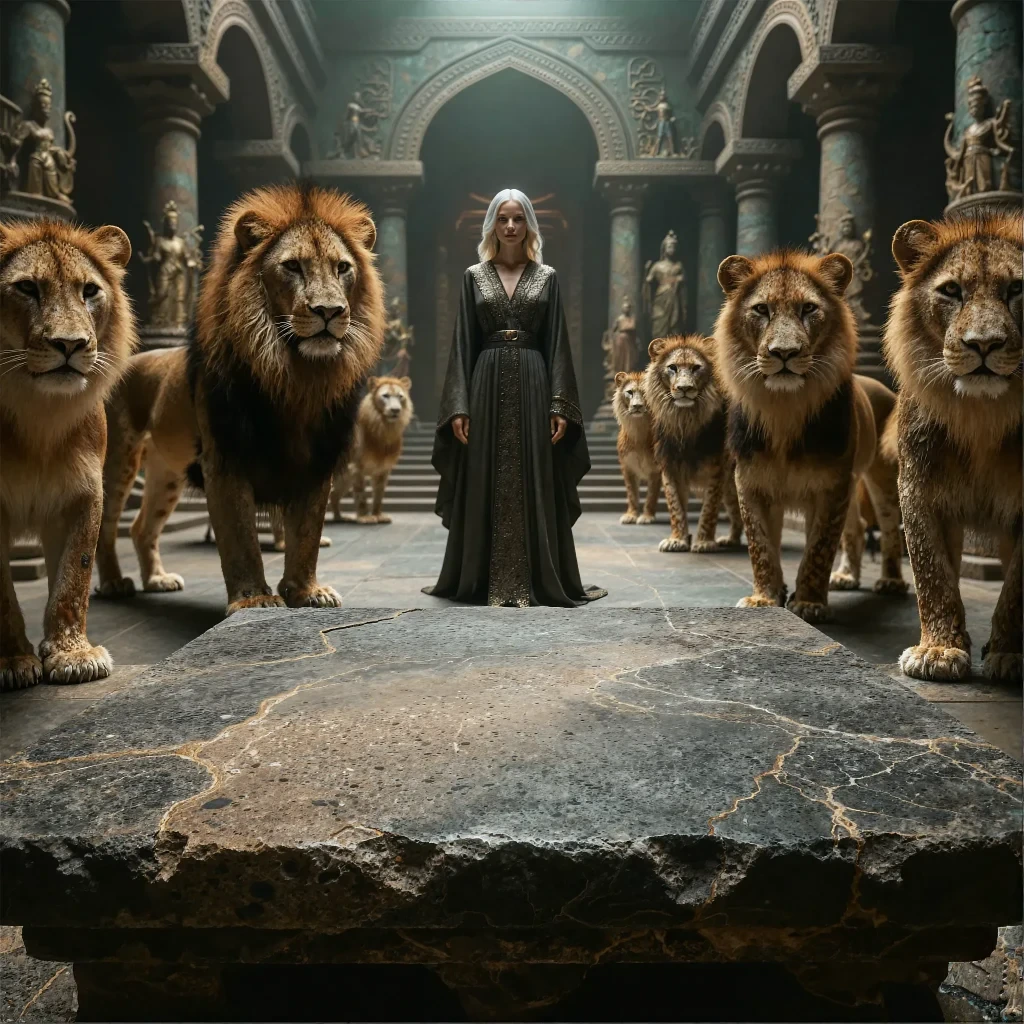
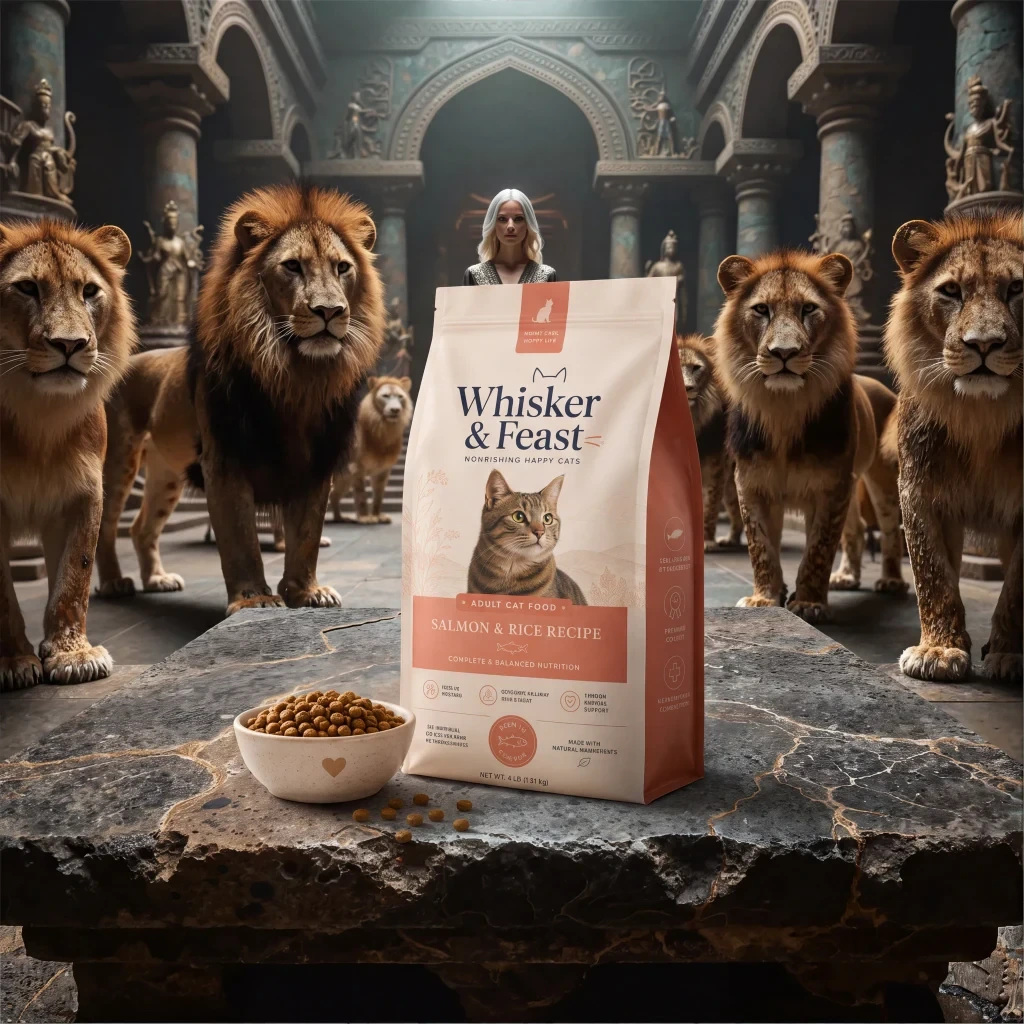
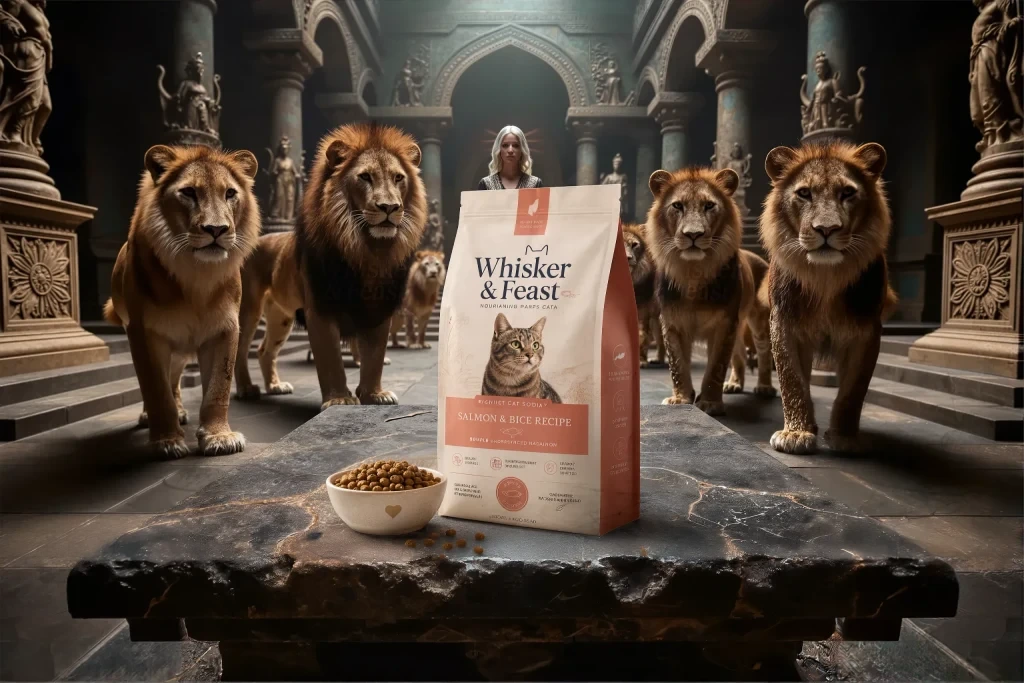
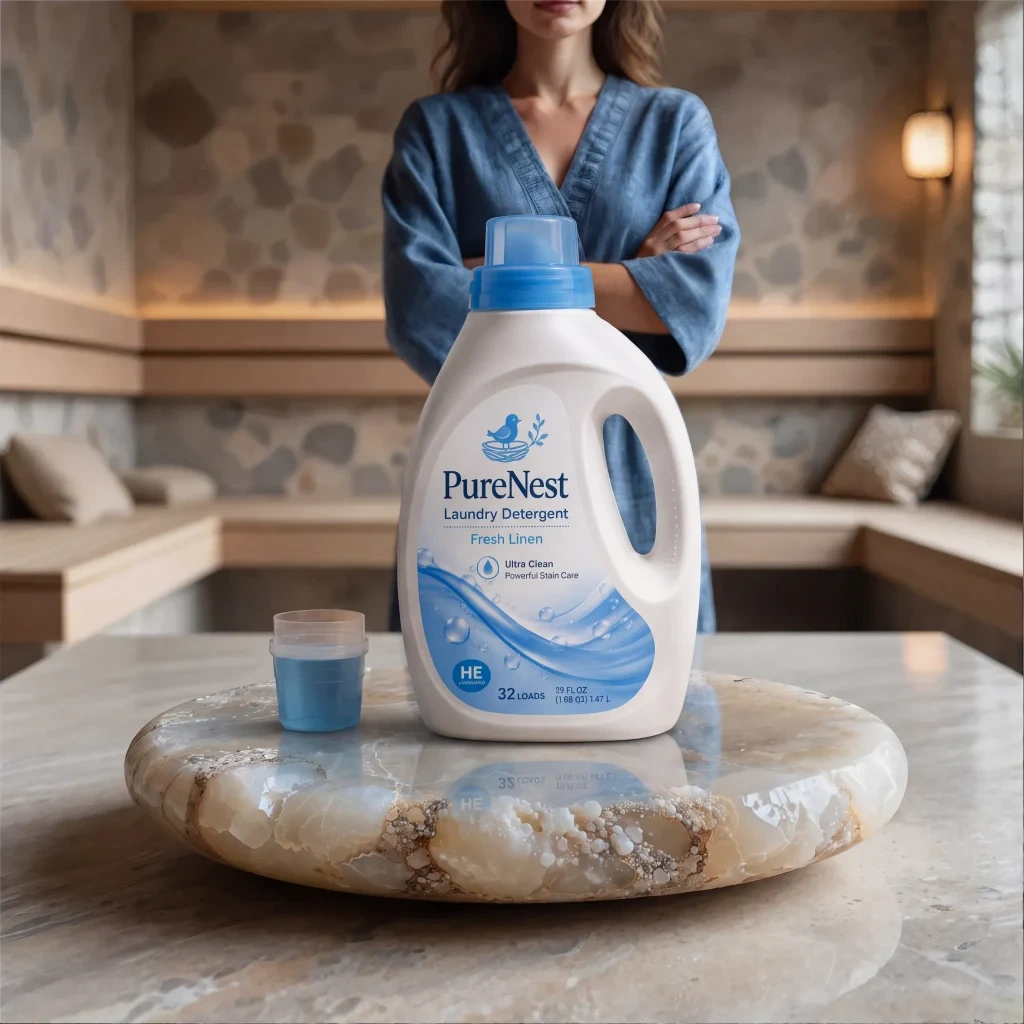
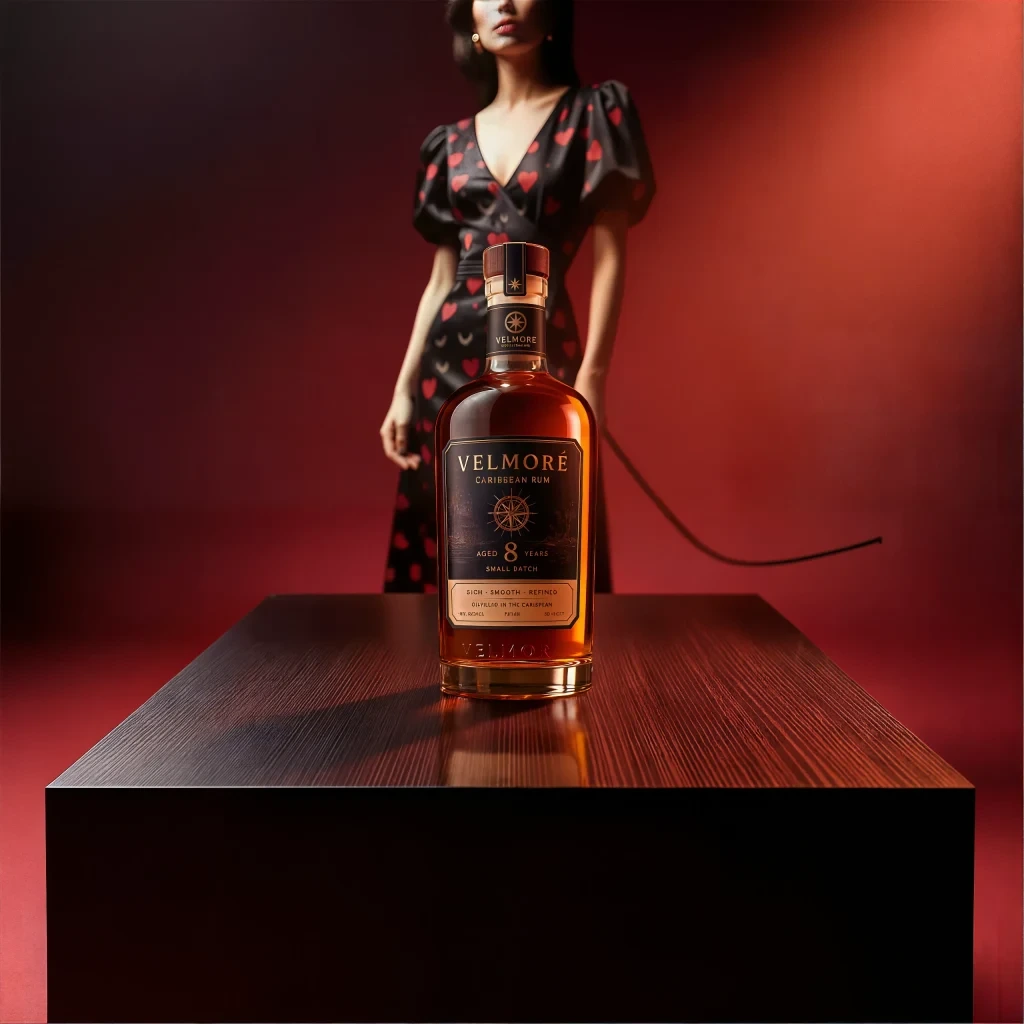
The current Discover gallery shows backplates alongside product placements, custom surfaces, upscaled results, and horizontal or vertical outpainting. A hero-image filter helps narrow the gallery; resolution, aspect ratio, and workflow tags describe individual results, with reusable prompts where published.
These examples show the current range: a stone foreground in a hall of lions, the placed cat-food composition, and its wider outpaint. The square and landscape versions are shown in their original proportions.
The Hero Image Factor guide adds seven manual review checks: focus, fit, integrity, space, contrast, responsiveness, and speed. It connects image creation with the practical demands of a website hero or campaign layout.
Explore the current Discover gallery · Reviewed September 2, 2026.